
Selling to another country with Shopify does not mean building a second store. With Shopify Markets you run one store and decide, country by country, which products customers see and what they pay. You can add a price increase for a market, give it its own product catalog, and do both on the Basic plan.
This article explains how that works, why I think it is a good fit for a store that wants to sell abroad, and what you should still check before you open to a new country.
What is a market in Shopify?
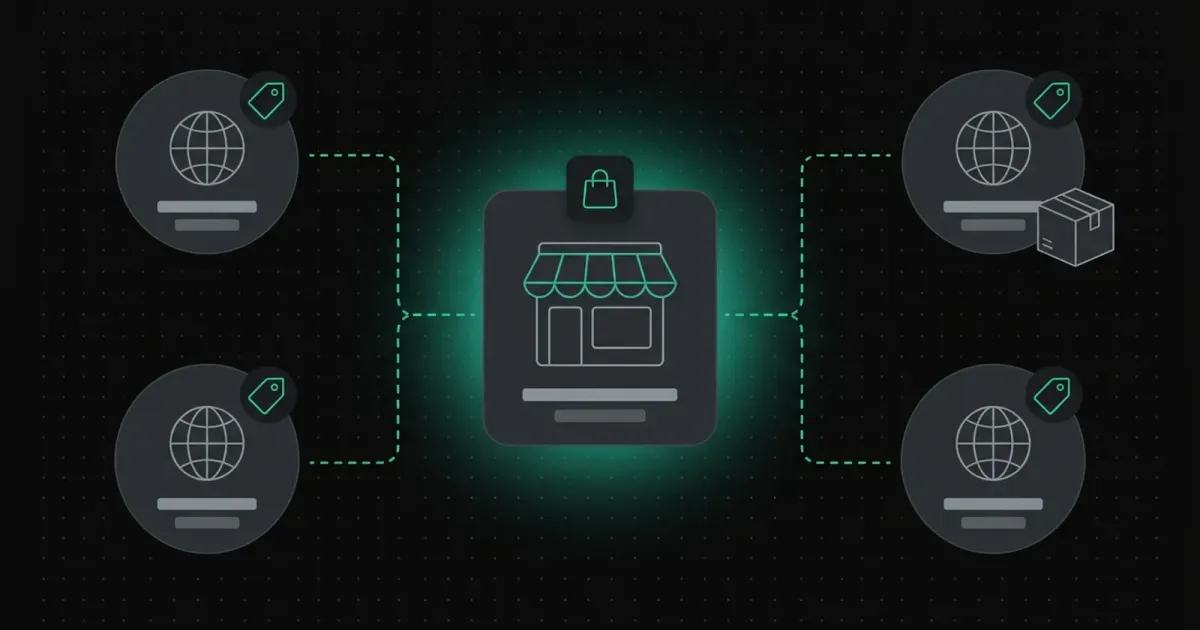
A market in Shopify is a country, or a group of countries, that you sell to with its own settings. Each market can have its own currency, its own prices, its own set of products and its own language. You manage all of them from the same admin, with the same products, orders and customers in one place.
For a Greek store, that means you can keep selling to Greece as you do today and open Germany, Cyprus or any other country as a separate market. Changing one does not break the other.
How do I charge higher prices in another country?
You set a price adjustment on the market. Instead of editing every product, you tell Shopify to raise the prices in that market by a percentage. Shopify applies it to the whole catalog and shows customers the result in their own currency.
A price increase is useful when selling abroad costs you more. Shipping may be more expensive, returns may be harder, or fees and taxes may eat into your margin. Say your base price is 50 and you add 10% for one market: customers there see 55, converted into their currency. You change the percentage in one place and every price follows.
How do I sell different products in different countries?
You create a catalog for the market. A catalog is the list of products, and optionally the prices, that a market is allowed to see. Products you leave out of a catalog do not appear in that market.
This helps when part of your range does not suit every country. Maybe a heavy item costs too much to ship across a border, or a product is hard to sell legally in a particular country. With a custom catalog, you take it out of that market only and keep it everywhere else. You can also keep a smaller range for a new country while you test whether it sells.
Does this work on the Shopify Basic plan?
Yes. As of November 2026, Shopify’s Markets requirements page lists product catalog customization for the Basic plan, and a market catalog is where you set the percentage price adjustment, fixed prices and which products a market sees. Creating markets to sell internationally is free on every plan, so you do not need to upgrade just to start selling abroad.
Two limits to know: customers pay in their own currency only if you use Shopify Payments (or Adyen), and a different theme design per market needs the Advanced or Plus plan. Plans change, so check that page before you commit.
This is a big difference for a small store. You can test a new country with the cheapest plan, see whether orders come in, and only then decide whether to invest more.
What else changes when you sell in a new market?
Besides prices and products, a market also controls the parts of the shopping experience that customers notice:
- Currency. With Shopify Payments (or Adyen), customers see prices and pay in their own currency, which tends to make them more comfortable at checkout.
- Language. You can translate the store for the market, so German customers read German and not a Greek page with a translated button.
- Shipping. You set which shipping rates apply to which countries, so a customer in another country never sees a rate meant for Greece.
- Domain. Depending on how you set it up, a market can live on a subfolder such as
/deor on its own country domain.
How do I set up a new market? A short checklist
- Decide which country you want to try first, and why. Start with one.
- Add the country as a market in the Shopify admin (Settings, then Markets).
- Choose the currency and, if you need it, add a percentage price adjustment.
- Create a catalog with only the products you want to sell there.
- Set shipping rates for that country and check taxes.
- Translate the store, including product pages, checkout wording, shipping and return policies.
- Place a test order as a customer from that country, from the first page to the confirmation email.
What should I check before selling abroad?
Shopify makes the setup simple, but the business side still needs your attention. Look at these before you launch:
- Shipping cost and delivery time to that country, and who pays for returns.
- Taxes and import duties for the destination. Rules differ by country and by product, so check them with your accountant.
- Payment methods customers expect there. Cash on delivery is common in Greece but not everywhere.
- Customer support in the customer’s language, even if it is only email templates.
- Legal pages (terms, privacy, returns) that apply to the country you are selling to.
I can help set up the store side of all this. The accounting and legal questions are best answered by a professional in your field.
Why is Shopify easier than OpenCart or WooCommerce for this?
On OpenCart and WooCommerce, multi-currency, per-country pricing and translations usually come from separate extensions, and each one has to work with your theme and with the others. On Shopify, markets, currencies, translations and catalogs are part of the platform. There are fewer pieces to keep compatible, and fewer things that can break after an update.
If you are still on one of those platforms, my article on moving from OpenCart or WooCommerce to Shopify explains what the switch involves.
Frequently asked questions
Can I charge different prices in different countries on Shopify?
Yes. Add a percentage price adjustment to a market and Shopify applies it to the products in that market. Customers see the final price in their own currency.
Can I hide some products in certain countries?
Yes. Create a catalog for the market with only the products you want to sell there. Products outside that catalog are not shown in that market.
Do I need the Advanced or Plus plan to sell internationally?
No. You can start on the Basic plan. Advanced and Plus add extras such as a different theme design per market; the requirements page lists what each plan includes.
Do I need a separate store for each country?
No. One store can serve many markets, with shared products, orders and customers in one admin.
Will customers see prices in their own currency?
Yes, if you use Shopify Payments (or Adyen): each market can then show its own currency, and customers pay in it at checkout. With another payment provider, customers in every market pay in your store’s default currency.
Thinking about selling abroad?
If you want to open your store to a new country, get in touch and tell me about your products and the market you have in mind. I will set up the market, pricing, catalog, translations and shipping, and tell you honestly if I think a particular country is worth the effort. I work in English and Greek.